Mudfish Forum
Technical Support
 Surperious
8 year ago
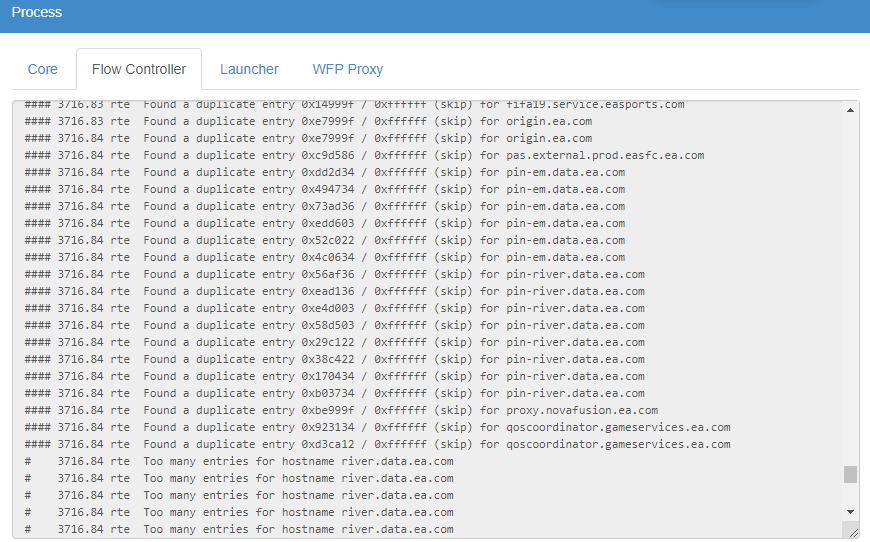
Hello I am receiving the below errors in the flow controller window when I am playing FIFA 19. I play on my PS4 and use Mudfish by sharing the internet connection with my PS4. Main errors are:
- Found a duplicate entry
- Too many entries for hostname river.data.ea.com
I have also attached an image showing the errors in the controller.
-
What about for PBE servers?
 What's nodes for having PBE characters on the
title?
What's nodes for having PBE characters on the
title?
-
Surperious
8 year agoThe closest PBE server to me always has 3000 RTT and is way too laggy.

-
 kwangseok
8 year agoMUDEC_00086 , MUDEC_00139 * Please check if you have modified registry like Latency Fix / FastPing / Hamachi or failed to install Mudfish
-
8 year agoI did have fastping on my PC I have uninstalled now but still having the errors. I played on PS4 but I also have the game installed on PC but not running would I need to uninstall the PC version?
-
8 year agoI installed mudfish on my laptop that definitely doesnt have those programs and the same issues come up regarding duplicate and too many entries
-
8 year agoPlease let me know if I can do anything else when I play FIFA on my PS4 multiple times the game will skip and lag so I don’t think this program is working.
-
kwangseok
8 year agoHow do you connect to the game's destination server? You should apply one of the following methods: * Mudfish embeddable Router https://app.gitbook.com/@mudfish/s/topics/mudfish-router/mudfish-cloud-vpn-for-router Game's destination server ↕ Mudfish Node ↕ Mudfish Router ↕ Console --- * 2+ Network Interface Cards to Internet Connection Sharing with Mudfish Game's destination server ↕ Mudfish Node ↕ <NIC 2> Computer <NIC 1> ↕ Console
-
8 year agoI am currently using 2 where my desktop computer is running Mudfish and I am sharing this connection so that my PS4 can connect through this connection.
-
kwangseok
8 year agoYou should terminate all of any other devices then leave for only 1 device to run or make an Alias.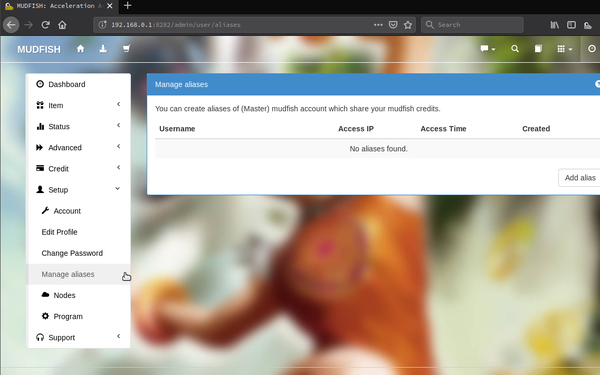 ---
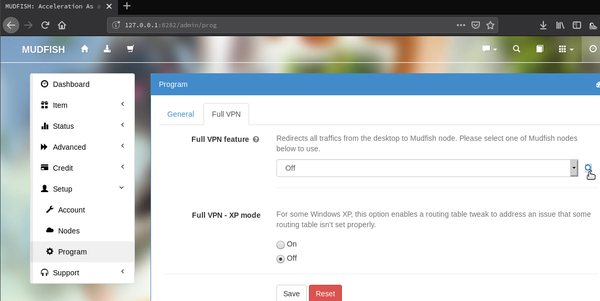
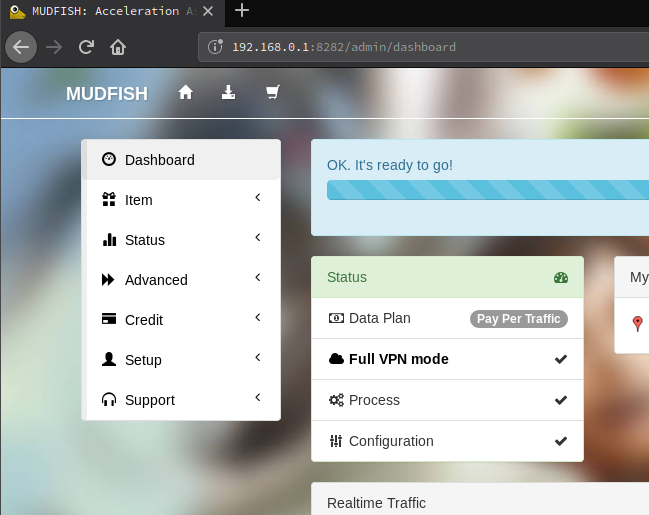
What about Full VPN
mode?
---
What about Full VPN
mode?
-
8 year agoI will try these tonight. I note that the connection protocol and RTT checking method is UDP, is that correct for FIFA or does it need to be TCP?
-
kwangseok
8 year ago* Between Mudfish's RTT Checking Method and actual latency is possibly quite different as its various factors not only if its protocol that UDP/ICMP/TCP. That means it depends on each Mudfish Users' status so you can investigate to which one is more correct to telemetry to actual latency. * Please note RTT Checking Method and Connection Protocols are independent elements. Protocols in `ICMP/UDP/TCP` is just a way to run `ping`.
-
8 year agoThanks. If I connect to FIFA via my PC connection but the game is running on PS4, which ports should I forward on my router, should it be the FIFA ports for PC or PS4? And would I forward the ports to the PC or PS4 IP address?
-
8 year agoHmm I just checked as well and note that because fifa 19 is P2P based I would need to enable full VPN mode which I haven’t done in the past.
-
8 year agoShould I use port forwarding or just use UPNP?
-
kwangseok
8 year agoIt may won't improve if not enable Full VPN mode at P2P (Peer To Peer) based games unless you configure any other possiblities.
8 year ago