Mudfish Forum
Technical Support
 Maxmvp99
8 year ago
I connect to korean server Azure06. it shows 150 ms on mudfish but in game is always 15 ms+. That is 165 ms. Please help me
-
What about Full VPN mode?
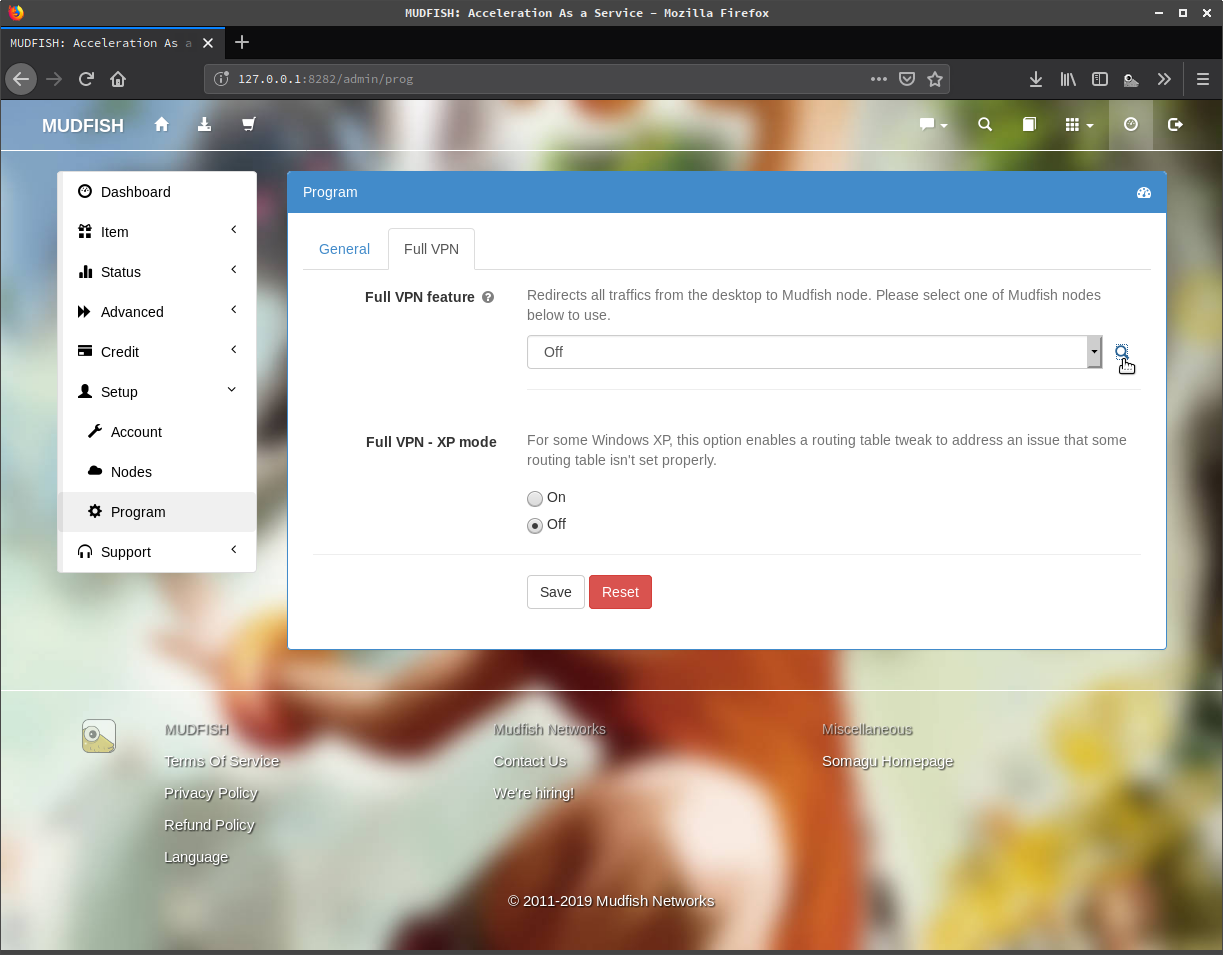
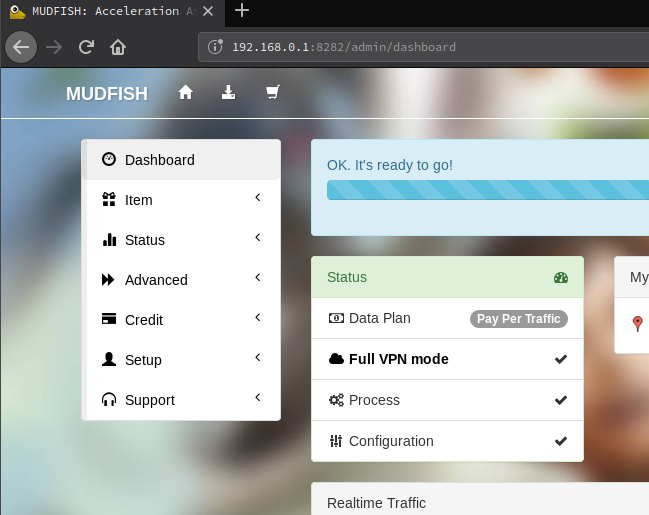
-
Maxmvp99
8 year agoDoesnt work, gives me same ping

-
 kwangseok
8 year ago- Please download and install latest Mudfish at https://mudfish.net/download
-
8 year agoI have tried both the versions. i get more ping on the 4.6.1v
-
 weongyo
(Forums Admin)
weongyo
(Forums Admin)
8 year agoDid you try to ping to 121.254.210.1 IP while Mudfish is running? We're currently using 121.254.210.1 IP for RTT checking purpose. If you see still different ping value, please check How to use WinMTR link and test with it to know where this issue is from.
-
8 year agoHey its same value as my pign on mudfish. Why is it more on overwatch?
-
kwangseok
8 year agoCould you let us show the results for WinMTR or PingPlotter to analyze your status?
-
8 year agoHey what IP do i put in WinMTR? Overwatch's lobby or 121.254.210.1
-
weongyo
(Forums Admin)
8 year agoIf you're trying to test with WinMTR, you can test against to:
- to 54.169.204.45 (game server IP used in Mudfish)
- to the public IP of mudfish nodes you'd picked. It's found at http://mudfish.net/server/status link.
8 year ago